# Whatsapp
{% hint style="info" %}
A integração com o canal Whatsapp, possibilita que o seu bot converse com o usuário através do whatsapp.
Para isso, é necessário que você tenha um número de whatsapp business, adquirido por um de nossos provedores parceiros, que são:
* Dialog360
* Gupshup
* Wavy
\
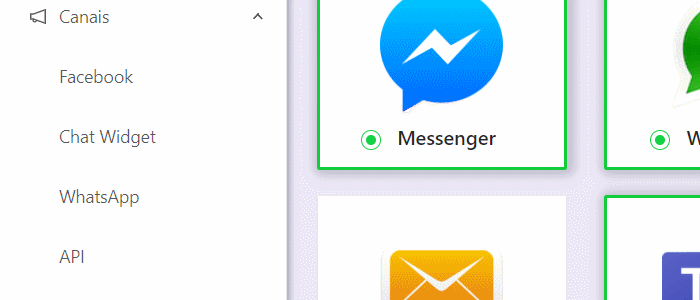
Para habilitar o Whatsapp no seu bot, vá em Canais, WhatsApp, selecione seu provedor:
{% endhint %}
Canais, acessar área do Whatsapp
## Dialog 360
Caso seu provedor seja Dialog 360, selecione a opção padrão e preencha o número de telefone, a API key e salve:

## **Twilio**
Se seu provedor for a Twilio, preencha seu número, seu Sub Account ID e seu Authentication Token:

{% hint style="warning" %}
Para que o envio de mensagens do atendente seja entregue ao usuário no Whatsapp, é necessário que você tenha habilitado as opções de API na área de Integrações.
{% endhint %}
---
# Agent Instructions: Querying This Documentation
If you need additional information that is not directly available in this page, you can query the documentation dynamically by asking a question.
Perform an HTTP GET request on the current page URL with the `ask` query parameter:
```
GET https://help.cosmobots.io/help/bot-builder/canais/whatsapp1.md?ask=
```
The question should be specific, self-contained, and written in natural language.
The response will contain a direct answer to the question and relevant excerpts and sources from the documentation.
Use this mechanism when the answer is not explicitly present in the current page, you need clarification or additional context, or you want to retrieve related documentation sections.